Introduction
In today's competitive restaurant industry, digitalizing processes and increasing efficiency is the most critical step to survival. Onpos restaurant software is a user-friendly, cloud-based solution designed for the needs of small and medium-sized enterprises (SMEs). Restaurant owners can perform many operations — from inventory management to order tracking, from multi-branch coordination to income and expense reporting — on a single platform. This both saves time and minimizes human-caused errors.
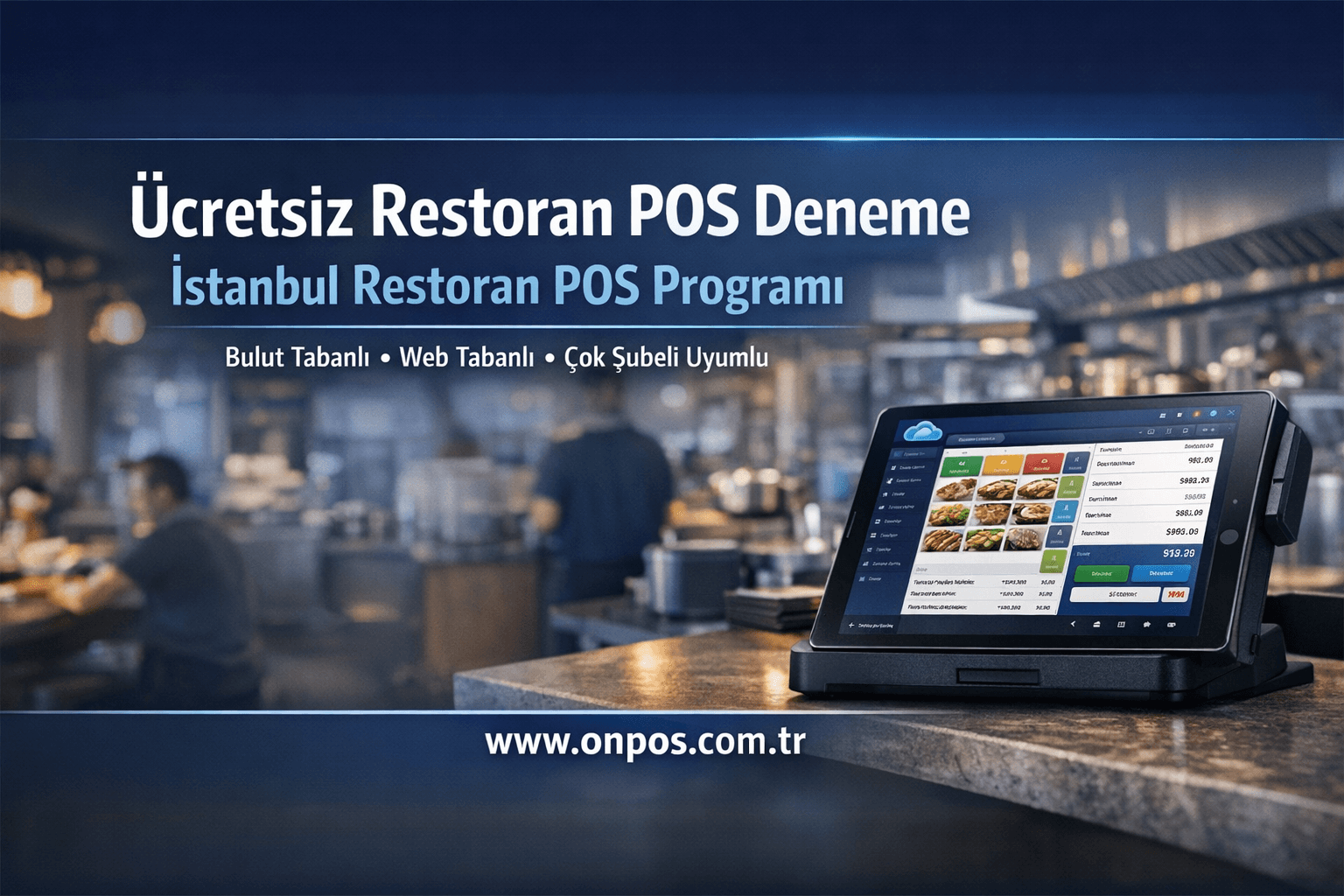
Onpos restaurant software allows you to take control of your business in just a few minutes, without subjecting your staff to lengthy training. Developed by Onpos Software's expert team, this solution is one of the most innovative systems in the industry — and you can easily request a demo at www.onpos.com.tr to see it in action.
The Importance of Digitalization in the Restaurant Industry
-
Rapidly Changing Consumer Demands: Customers are no longer satisfied with taste alone; they demand fast service, payment options, and personalized experiences.
-
Data-Driven Decisions: Information such as sales data, inventory movements, and customer trends is vital for increasing profitability and optimizing marketing strategies.
-
Competitive Advantage: Not falling behind digitalizing competitors both strengthens brand image and reduces operational costs.
This is where Onpos restaurant software comes in: it enables restaurant owners to adapt quickly to a changing world, offering a sustainable infrastructure for both today and tomorrow.
Cloud-Based Architecture
Onpos restaurant software is built entirely on a cloud-based architecture.
-
Access from Anywhere: You can reach the system from any device with an internet connection, whether desktop or mobile. This way, chefs, service staff, and managers can log in simultaneously from the office, home, or a different branch.
-
Automatic Updates: Software updates happen in the background without downtime or additional burden. You get instant access to the latest features and security patches.
-
Scalability: As your business grows, you don't need to invest in additional servers. Multi-branch compatibility means that when you open a new branch, you can simply add users and start working right away.
-
Data Security and Backup: All data is stored encrypted in ISO-compliant data centers. Regular backups provide full protection against possible hardware failures.
This makes Onpos restaurant software an ideal solution for both a small single-branch cafe and chain restaurants alike.
Core Features
1. Stock Tracking and Management
-
Real-Time Stock Updates: The quantity of products in the warehouse is automatically updated with every sale or use.
-
Alerts and Notifications: When critical stock levels are reached, automatic alerts are sent to both managers and suppliers.
-
Supplier Integration: Thanks to integration with your preferred suppliers, you can create, approve, and track orders with a single click.
2. Order Management
-
Taking Customer Orders: Orders entered via a waiter's handheld terminal or tablet are instantly transmitted to the kitchen printer or kitchen screen.
-
Fast Menu Management: You can easily update dish prices, content details, or images on the menu from the cloud panel.
-
Multiple Payment Options: It increases customer satisfaction by offering payment convenience via cash, credit/debit card, and QR code. POS-system compatible infrastructure allows it to work in full harmony with different payment solutions.
3. Table and Reservation Management
-
Digital Table Plan: You can arrange your tables in 2D or 3D and see occupancy status in real time.
-
Reservation Tracking: By recording reservations received by phone or online in the system, you prevent customer complaints and confusion.
4. Reporting and Analytics
-
Sales Reports: You can review your turnover on a daily, weekly, or monthly basis with detailed charts.
-
Customer Analysis: You can profile your most popular menus, peak periods, and loyal customers.
-
Profitability Analysis: You can see the profitability rate of each item on the menu through a cost-versus-sale-price comparison.
5. Marketing Integrations
-
Email and SMS: Automatically send birthday, anniversary, or campaign announcements to the relevant customer groups.
-
Loyalty Program: Increase repeat visit rates by defining discount or gift systems for customers who accumulate points.
-
Social Media Connection: Share your campaign visuals and menu updates from a single place by integrating them with your social media accounts.
These features offer Onpos restaurant software users complete control and transparency; they promise error-free, fast, and reliable business management.
Benefits It Provides
Time Savings
-
Automated Processes: Since reporting, order routing, and stock tracking are automated, you can focus your workforce on your core tasks.
-
Fast Setup: Setup takes minutes; there is no need for complex software installations or server setups.
Error Reduction
-
Duplicate-Entry Prevention Mechanisms: It prevents the same order or payment step from being entered twice.
-
Standardized Workflows: It eliminates errors caused by miscommunication between waiters, the kitchen, and cashiers.
Remote Management
-
Mobile-Friendly Panel: You can track sales in real time and review reports from your mobile phone or tablet.
-
Multi-Branch Tracking: Monitor the performance of multiple branches from a single screen; compare performance across branches or by location.
Cost Control and Profitability
-
Preventing Stock Waste: Thanks to critical stock alerts, losses of products nearing their expiration dates are minimized.
-
Energy and Resource Management: Save money by receiving energy consumption reports based on kitchen working hours and intensity.
Customer Satisfaction
-
Fast Service: Order and preparation times shorten; customers wait less and leave more satisfied.
-
Personalized Experience: Increase loyalty by offering special deals based on customer history and preferences.
These advantages make Onpos restaurant software stand out in the industry; the system gives you the opportunity to stay one step ahead of the competition.
Recommendations for Restaurant Owners
-
Training and Adaptation Process: Complete your basic training before putting the software into use. The online training materials and support team offered by Onpos Software ensure rapid adaptation.
-
Pilot Branch Run: Start a trial run in a single branch first, collect feedback, and optimize processes.
-
Integration Planning: Make your data flow seamless by planning integration with existing solutions such as accounting, current accounts, or online ordering infrastructures.
-
Daily and Weekly Checks: Track both your stock and sales performance through regular report reviews; correct unexpected deviations instantly.
-
Customer Feedback: Collect surveys or direct feedback to measure the new system's impact on customers. Quickly eliminate sources of dissatisfaction.
These steps will help you get the most out of Onpos restaurant software and accelerate the return on your investment.
Demo Request and Contact
Onpos restaurant software brings all these advantages to your business — contact us right away to request a customized demo:
-
Web: www.onpos.com.tr
-
Email: info@onpos.com.tr
During the demo, we will analyze your needs in detail and offer the most suitable package and integration recommendations for you. This way, you will get the highest return on your investment.
Onpos Software — we aim to be your strongest supporter on the digital transformation journey of SME restaurant owners. With the flexibility of our cloud architecture, the operational excellence of our powerful features, and our sincere customer-focused approach, you too can discover the Onpos restaurant software difference for yourself.