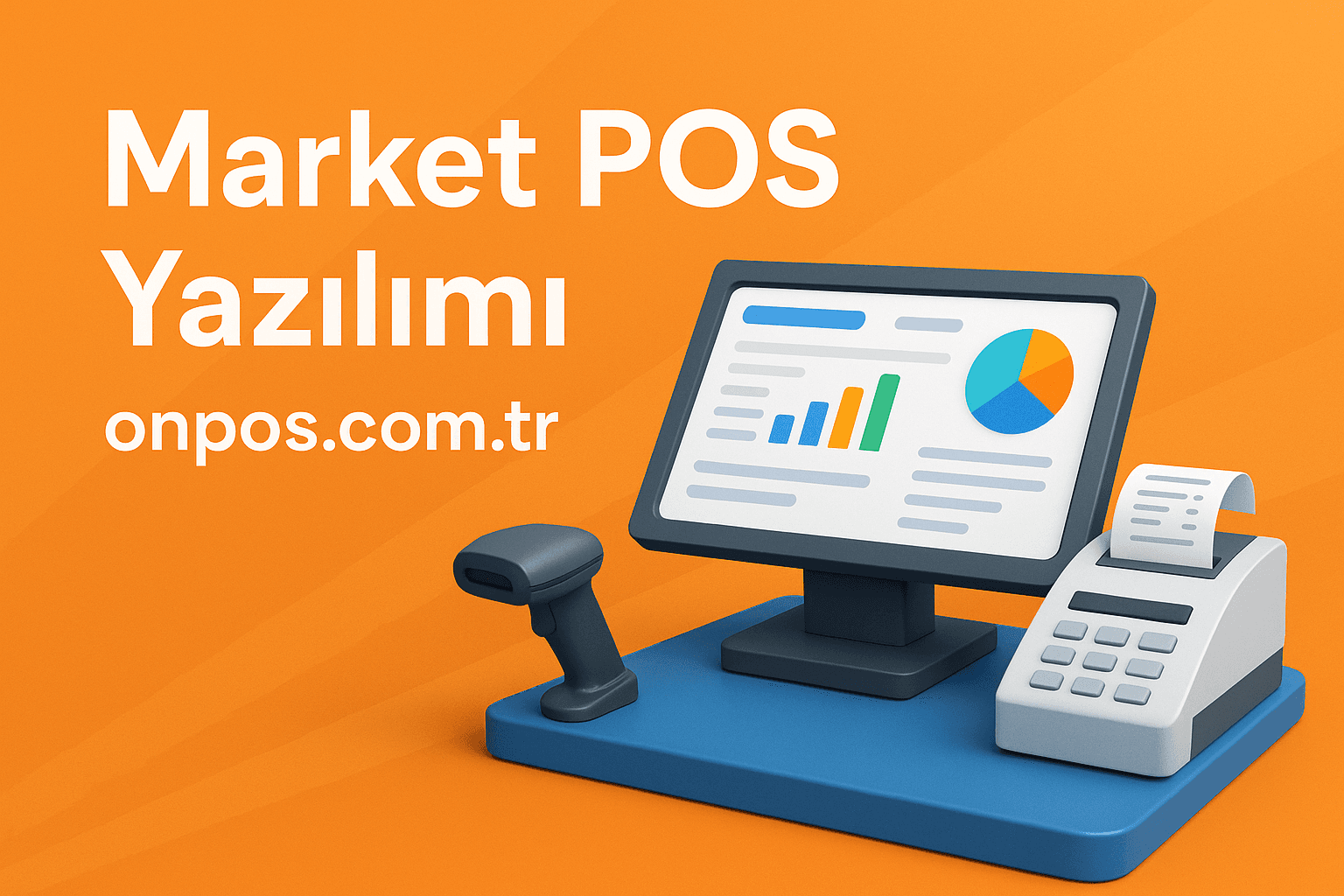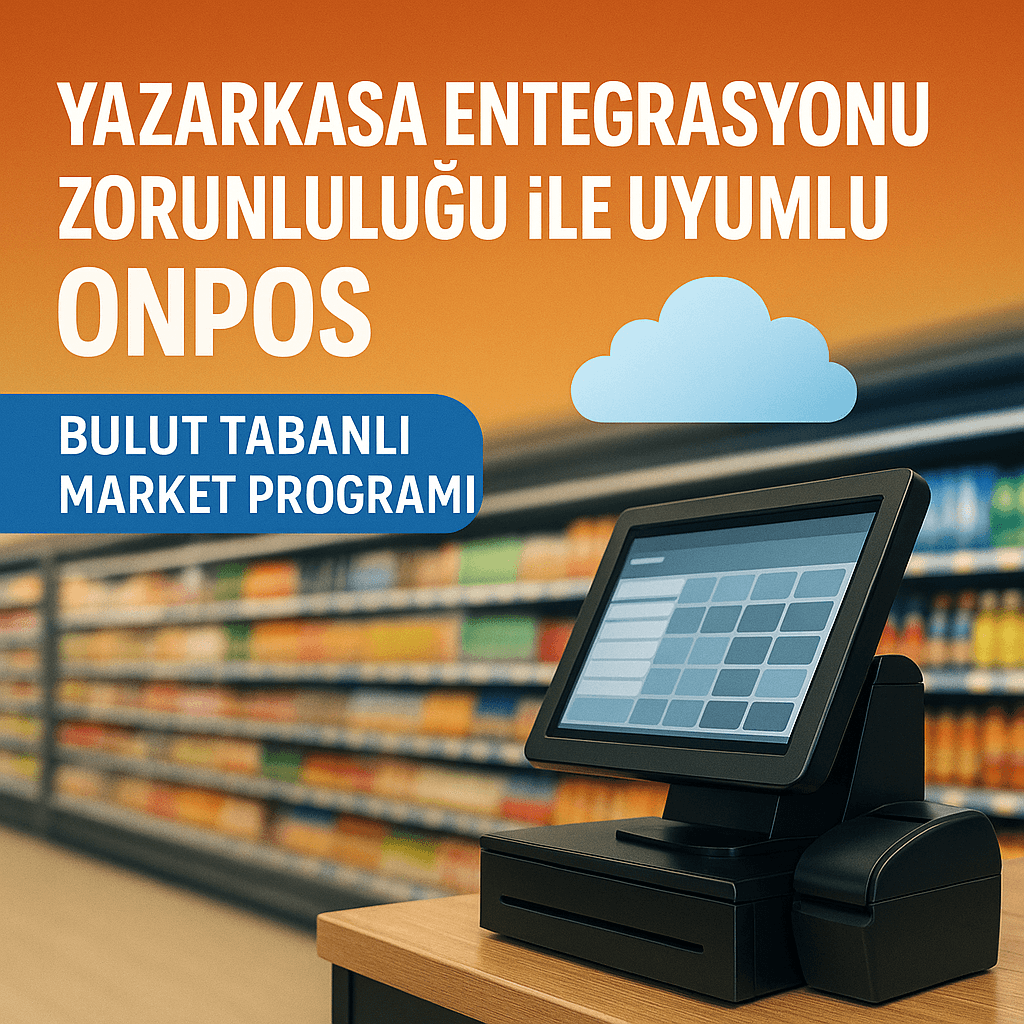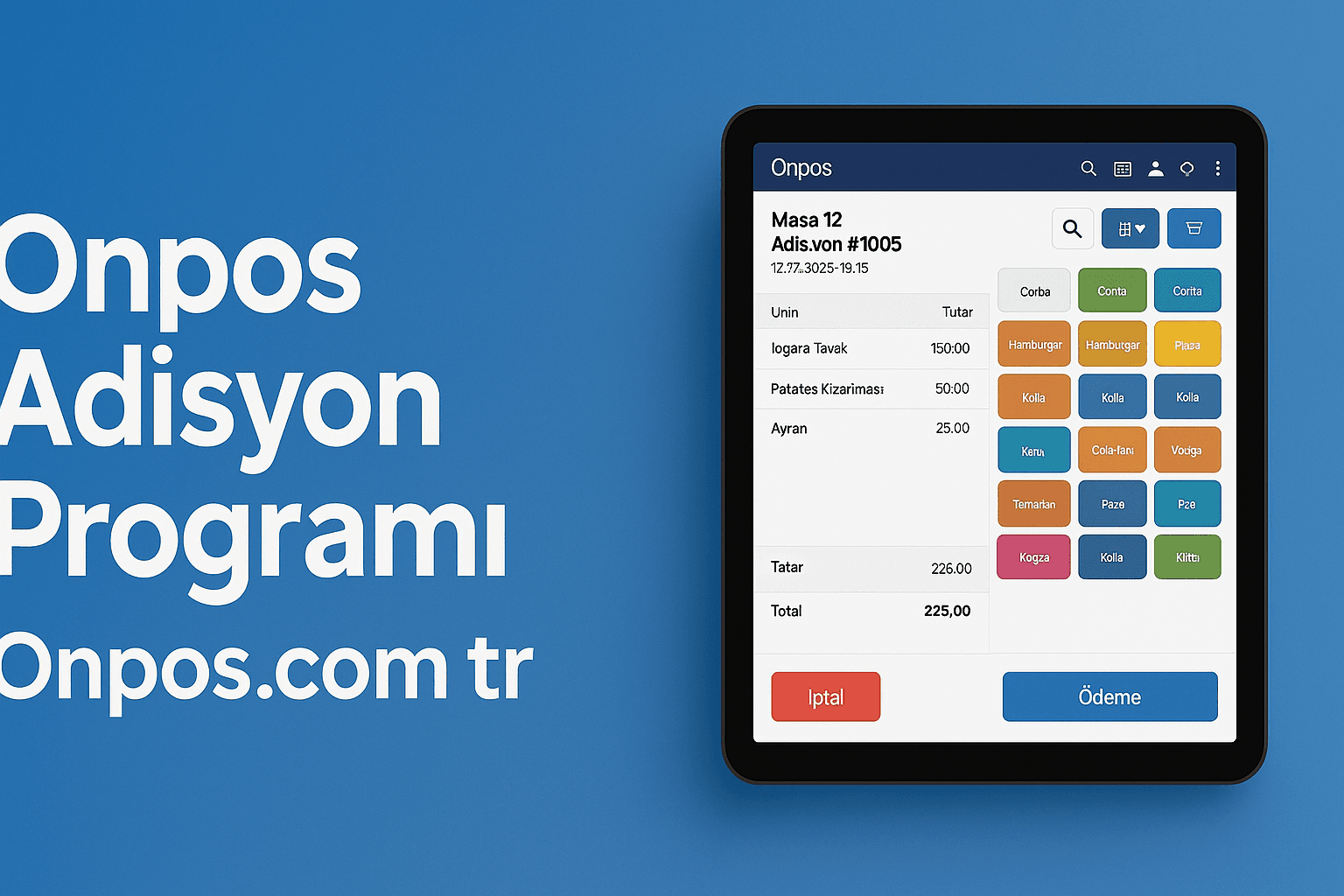
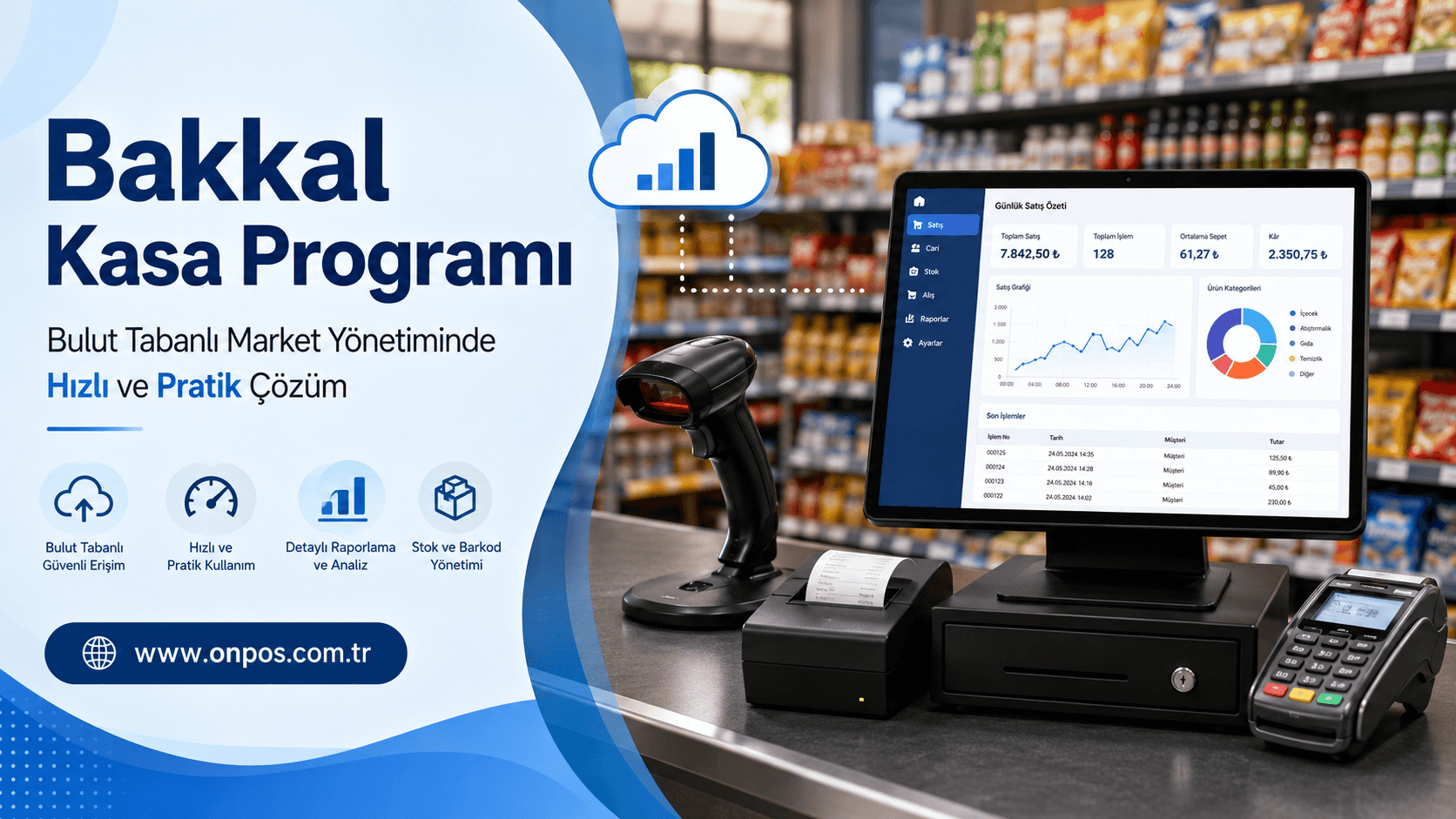
Running a grocery store, market or kiosk may look from the outside like simply buying and selling products. However, once you are inside the business, many details must be managed at the same time, such as sales tracking, stock control, price changes, store credit management, supplier tracking, till control, multi-branch structure, staff transactions, order management and daily reports. At exactly this point, a correctly chosen grocery checkout software becomes one of the most important tools that directly affects the business's order.
In businesses that work with traditional methods, sales most often remain tied to a ledger, simple spreadsheets or old-style till systems. Although these methods may seem sufficient at the beginning, control becomes harder as the number of products increases, customer traffic rises and costs change. A strong system is needed to see how much of a product is being sold, which product is waiting on the shelf, which product is losing money or at what hours sales intensify.
The cloud-based solutions developed by Onpos Software are prepared to make the daily operations of grocery, market and kiosk businesses more controlled, faster and more efficient. Grocery checkout software is not just a screen used for making sales; it is also a central management tool that organizes the business's stock, order, price, report, branch and customer processes.
Today even a small grocery store is inside the competition. Faced with chain markets, online ordering channels, changing customer expectations and rising costs, the business must use the data in its hands correctly. Which product sells faster? Which product waits too long in stock? How much cash is in the till at the end of the day? What is the balance between credit card and cash sales? How much will be paid to the supplier? All of these can be seen clearly with the right grocery checkout software in place.
Why Software Is Critical for Grocery and Market Businesses
A business does not survive only by making sales. The real issue is tracking the sales made correctly, keeping stocks under control and monitoring the profit-loss balance regularly. Especially in grocery stores, kiosks and small markets, product variety is high. Food, beverages, cleaning products, cigarettes, snacks, essential products and promotional products are managed at the same time.
Doing manual tracking in such an intense product flow carries serious risk. A product runs out but is not noticed, a price changes but is not reflected on the label, a product that appears to be in stock is not on the shelf, and at the end of the day the till and the sales amount do not match. Each of these costs the business money, time and trust.
A good grocery checkout software minimizes these problems. At the moment of sale the product is scanned quickly by barcode, stock is deducted automatically, the payment type is recorded and the transaction is reflected in reports. This way, at the end of the day the business owner sees a picture based not only on estimates but on real data.
What Is Grocery Checkout Software?
Grocery checkout software is sales and management software developed for grocery stores, kiosks, small markets, delicatessens, retail businesses other than tobacco and liquor shops and similar points of sale. Thanks to this program, product sales, stock tracking, barcode operations, price updating, payment tracking, reporting and user management are all carried out through a single system.
In the past, till programs generally ran only on the computer inside the business. This structure made the business owner physically dependent on the shop. Today, however, thanks to the cloud-based market software approach, it has become possible to access business data from different devices with an internet connection.
The cloud-based structure offered by Onpos Software provides business owners with more flexible and secure use. The business owner is not tied only to the sales screen at the till; they can also track sales, stocks and reports remotely. This is a great convenience especially for people who have more than one branch or who cannot constantly follow their business on site.
Control from Anywhere with Cloud-Based Architecture
Cloud-based systems are no longer a luxury but a necessity for modern retail businesses. Keeping business data on only a single computer is limited in terms of both security and access. When the computer breaks down, a format is required or a user error occurs, a risk of data loss can emerge.
A cloud-based grocery checkout software instead helps keep the data managed in a more secure and accessible way. The business owner can follow the general situation even when not in the store. Sales, stock movements, end-of-day reports and branch performances can be monitored under a single structure.
The Cloud-Based Market Software's Contributions to the Business
Ease of Access from Anywhere
Cloud-based market software gives the business owner the ability to track independently of location. Even if you are not at the head of the business, you can control sales movements, see the stock situation and review overall performance.
This provides a great advantage especially in the following situations:
Central control can be carried out in markets with more than one branch.
The business owner can follow the sales flow even when out of the city.
Daily turnover and till movements can be evaluated instantly.
Stock shortages can be noticed more quickly.
Staff performance can be tracked more regularly.
Easier Management of Updates
In old-style programs, a technical service intervention may be required for an update. In cloud-based systems, innovations and improvements can be offered in a more controlled way. This helps the business work with an infrastructure that stays continuously up to date.
Using an up-to-date system does not only mean having new features. It also means a more secure, more stable and more efficient business structure.
Scalable Structure
A business that is a single-branch grocery store today may open its second branch tomorrow. A kiosk working with 500 products today may turn into a market with 5.000 products in the future. For this reason, the grocery checkout software used must be suitable for growth.
The cloud-based approach of Onpos Software offers a flexible structure that can adapt to the business's growth process. When moving from a single branch to a multi-branch structure, the system does not need to be set up again from scratch. This gives the business a serious time and cost advantage in the long run.
Core Features
A successful grocery checkout software should not consist only of a sales screen. It should offer a structure that meets the business's daily needs, is easy to use, works fast and has a strong reporting side. The cloud-based market solution of Onpos Software brings together many of the core features that grocery and market businesses need.
Fast Sales Screen
Speed is very important in grocery stores and markets. The customer does not want to wait at the till. Especially during the busy morning, noon and evening periods, the sales transaction must be completed within seconds.
Thanks to the fast sales screen, products are easily added to the basket by being scanned with their barcode. Products without barcodes can also be selected quickly through the system. The transaction can be completed with cash, credit card or different payment types.
The contributions of the fast sales screen to the business are as follows:
The waiting time in front of the till decreases.
It becomes easier for staff to carry out transactions.
The risk of entering the wrong product drops.
Sales transactions are recorded more regularly.
More customers can be served during busy hours.
Stock Tracking
One of the most critical issues in grocery and market businesses is stock tracking. Because both excess stock and stock shortage harm the business. A product bought in excess waits on the shelf and ties up capital. A product that remains short causes sales loss.
A good grocery checkout software automatically updates stocks after every sale. This way, it becomes clearer which product is decreasing, which product sells a lot and which product has seen no movement for a long time.
Thanks to stock tracking, the business acts more consciously on the following matters:
It does not leave products missing on the shelves.
It orders fast-selling products on time.
It identifies slow-selling products.
It reduces unnecessary product purchasing.
It manages capital more accurately.
Order Management
In grocery stores and markets, it is necessary to work regularly with suppliers. Products being ordered on time, shortages being determined correctly and past purchases being tracked increase the business's orderliness.
The structure offered by Onpos Software helps order processes be carried out in a more controlled way. When stock decreases, the business can more easily see which products need to be repurchased. This also reduces a lack of planning in the supply process.
There are some important points that need attention in order management:
A regular order plan should be made for the best-selling products.
Excess stock should be avoided for products with an expiration date.
Supplier-based price changes should be tracked.
The stock and sales balance should be monitored on promotional products.
Seasonal demand changes should be taken into account.
Barcode Sales and Product Management
Barcode sales provide speed and accuracy in market and grocery businesses. When a product's barcode is scanned, the system brings the price automatically. This reduces the risk of entering the wrong price, making an incomplete transaction or mixing up similar products.
A grocery checkout software must include strong barcode management. Product cards should be created regularly, barcodes defined correctly and prices kept up to date. This way, till transactions proceed much more healthily.
The advantages of barcode sales:
It brings speed at the till.
It reduces staff errors.
It prevents price confusion.
It makes stock deduction automatic.
It ensures reports are produced more accurately.
POS System-Compatible Operation
Today a significant portion of customers prefer credit card, debit card or contactless payment methods. For this reason, a POS system-compatible till structure is of great importance for market and grocery businesses.
Thanks to the POS-compatible structure, payment processes can be managed more regularly. Cash and card sales can be tracked separately. At the end of the day, it can be seen more clearly how much collection was made from which payment type.
This feature provides great convenience especially in till control. Because the business owner can analyze not only the total turnover but also which payment channels this turnover came through.
Multi-Branch-Compatible Structure
Some businesses start at a single point and over time open new branches in different neighborhoods or regions. At this point, the program used must be multi-branch compatible — otherwise, every branch is tracked separately and control from the center becomes difficult.
A multi-branch-compatible grocery checkout software allows the sales, stock and reports of all branches to be monitored from a single center. Thanks to this structure, the business owner can more easily see which branch shows better performance, which products sell faster in which branch and the stock balance between branches.
The advantages of multi-branch use are as follows:
All branches can be tracked from the center.
Branch-based sales reports can be obtained.
Stock transfers can be managed more regularly.
Staff and till movements can be monitored separately.
A standard working order is formed for growing businesses.
Reporting and Analysis
A business cannot be managed by looking only at the daily sales figure. It must also be known which product the sale came from, at which hours intensity is experienced, which products bring profit and which products create shelf cost.
The reporting approach offered by Onpos Software gives the business owner the ability to make clearer decisions. Reports show not only the business's current state but also how it should act in the future.
The main areas that can be tracked with reporting:
Daily sales totals
Product-based sales performance
Category-based sales
Cash and card payment distribution
Stock movements
Branch-based turnover comparison
Staff-based transaction tracking
Best-selling products
Low-selling or non-moving products
This information enables the business owner to decide with data rather than intuition.
What Advantages Does Grocery Checkout Software Provide to the Business?
The right grocery checkout software directly relaxes the business's daily pace. The business owner experiences less confusion, staff work faster, the customer completes their shopping in a shorter time and records are kept more regularly.
Time Savings
In market and grocery businesses, time is one of the most valuable resources. A system working slowly at the till both tires the customer and lowers staff performance. Thanks to fast sales, automatic stock deduction and practical reporting, the business completes its daily transactions in a shorter time.
The points that provide time savings:
Products are sold quickly with barcodes.
Stocks are not deducted manually one by one.
End-of-day reports are obtained in a short time.
Price changes are made more easily.
Branch tracking is carried out from a single panel.
Error Reduction
In manual systems, error is inevitable. A wrong price can be entered, a product may not be deducted from stock, the payment type can be mixed up or the till account may not balance. Grocery checkout software offers an orderly working environment to reduce these errors.
Error reduction directly affects profitability. Because till differences, price errors or stock shortages that look small can turn into serious losses over time.
Remote Management
Thanks to the cloud-based structure, the business owner is not tied only to the computer in the store. Being able to track sales and reports remotely is a great advantage especially for busy business owners.
Thanks to remote management:
You can monitor the general situation even when outside the business.
You can compare branch performances.
You can check daily sales.
You can see stock shortages.
You can manage your business in a more disciplined way.
Cost Control
In grocery stores and markets, profit margins are quite low on some products. For this reason, cost control is very important. A healthy price policy cannot be created without knowing how much each product earns.
A good grocery checkout software helps the business owner with cost control because it presents sales and stock data regularly. Unnecessary product purchasing decreases, fast-moving products are determined more clearly and campaign decisions are made more consciously.
Customer Satisfaction
Making fast transactions at the till, applying the correct price and increasing product availability directly affect customer satisfaction. If the customer can find the product they are looking for, does not wait at the till and does not experience a problem about price, the probability of coming back to the business increases.
For this reason, grocery checkout software is not only an internal management tool but also a system that improves the customer experience.
Recommendations for Grocery Stores, Kiosks and Small Markets
To get maximum efficiency from a till program, it is not enough only to install the program. The order inside the business must also be set up correctly. While working with a professional solution like Onpos Software, it provides great benefit for business owners to pay attention to some basic points.
Create Product Cards Regularly
Product name, barcode, purchase price, sale price, category and stock information must be entered correctly. Missing or incorrect product cards can cause reports to come out incorrectly in the future.
For correct product card management:
Product names should be written in a standard way.
The same product should not be created more than once.
Barcode information should be checked.
Purchase and sale prices should be kept up to date.
The category order should be plain and understandable.
Do Not Neglect Stock Counting
The program makes stock tracking easier; however, physical counting should also be done at certain intervals. Shelf, warehouse and system stocks should be compared. This way, broken items, waste, missing transactions or incorrect entries are noticed more easily.
Make Price Updates on Time
In the retail sector, prices can change frequently. Especially in food and basic consumption products, supplier prices move quickly. Sale prices not being up to date can directly cause losses.
For this reason, the price update process inside grocery checkout software must be followed regularly. Staff must be prevented from making sales with the old price.
Review Reports Regularly
The reports obtained from the program are not only for the archive. Every report tells the business owner something. The best-selling products, low-performing products, busy hours and payment distributions should be reviewed regularly.
According to the reports, the following decisions can be made:
It is determined from which products more stock will be made.
It is planned on which products campaigns will be run.
It is seen at which hours staff are needed.
It is understood which branch works more efficiently.
Unnecessary product purchases are reduced.
Authorize Staff Use
Not every staff member may need to access every area. Till staff should make sales, the manager should review reports, the business owner should control the general settings. The authorization structure is important in terms of business security.
Why Should You Work with Onpos Software?
Onpos Software offers cloud-based solutions by taking into account the daily needs of grocery, market, kiosk and retail businesses. The aim is not only to give a program but to make all of the business's processes, from sales to stock, from orders to reports, more orderly.
The approach offered by Onpos Software creates a plain, understandable and usable structure for small and medium-sized businesses. Technical details work in the background without tiring the business owner; the user manages their work quickly with practical screens.
Onpos Software's Standout Strengths
Cloud-Based Use
It offers easier access to data, an up-to-date structure and flexible use. The business owner can follow their work without being tied only to the computer in the shop.
A Structure Suited to Market and Grocery Needs
Onpos Software focuses on the daily real needs of retail businesses. It offers practical solutions in core areas such as fast sales, stock tracking, POS system-compatible structure, multi-branch compatibility and reporting.
Easy-to-Use Interface
No matter how powerful a program is, if it is hard to use it will not work efficiently in the business. Onpos Software helps staff adapt quickly with its plain and understandable usage logic.
SME-Friendly Approach
For grocery, kiosk and small market businesses, cost, speed and practicality are very important. Onpos Software offers applicable solutions that take the needs of these businesses into account.
The Ability to Request a Demo
To see the structure suited to your business, get to know the system and make an evaluation according to your needs, you can request a demo. By contacting Onpos Software, you can review the most suitable solution for your business.
Website: www.onpos.com.tr
Email: info@onpos.com.tr
What Should Be Considered When Choosing Grocery Checkout Software?
Many till programs can be found on the market. However, not every program is the right choice for every business. Especially in grocery and market businesses, the system to be chosen must be practical, fast, reliable and developable.
The Main Criteria to Consider
Ease of Use
A screen structure that staff can learn in a short time and that is not complicated should be preferred. Because speed is very important at the till.
Stock Tracking Power
The program must manage stocks correctly. After a sale, stock should be deducted automatically, shortages should be trackable and product movements should be monitorable.
POS System Compatibility
A POS system-compatible structure is important so that cash and card sales are tracked regularly. Payment types should be reported clearly.
Suitability for Multi-Branch Use
A business that is a single branch today may grow in the future. For this reason, the program being multi-branch compatible provides an advantage in the long run.
Reporting Capability
Sales, stock, payment, product and branch reports provide strong data for business decisions. If reporting is weak, the program remains incomplete.
Support and Development
Support service is important in software. When the business experiences a problem, it must be able to find a contact person and the process must move quickly.
More Orderly Market Management with Onpos
The cloud-based market solution of Onpos Software helps grocery and market businesses work in a more controlled way. Daily sales being made quickly, stocks being tracked regularly, order processes being carried out in a more planned way and reports being obtained easily increase the business's overall efficiency.
A grocery checkout software lightens the business's invisible burden. The business owner no longer has to keep everything in their head. The answers to questions such as which product was sold, which one decreased, how much turnover which branch made and which payment type was used are all located in an orderly way inside the system.
This structure provides the business with an important advantage especially in the retail sector where competition is intense. Because a business working with correct data makes decisions faster. A business that makes faster decisions adapts more easily to changing market conditions.
Frequently Asked Questions
Is grocery checkout software necessary for small businesses?
Yes, it is quite necessary for small businesses as well. Because even if the number of products is low, business control becomes difficult when sales, stock, price and till tracking are not done regularly. Grocery checkout software helps small businesses work in a more orderly way.
What advantage does cloud-based market software provide?
Cloud-based market software offers more flexible access to business data. Sales, stocks and reports can be tracked more easily. It also provides a more scalable structure for growing businesses.
Why is POS system-compatible till software important?
Customers now frequently use card payment. A POS system-compatible structure helps cash and card sales be separated regularly. End-of-day controls are carried out more healthily.
Who is multi-branch-compatible grocery checkout software suitable for?
It is suitable for businesses that have more than one store or plan to open branches in the future. The sales and stock movements of all branches can be tracked from the center.
Can a demo be requested from Onpos Software?
Yes. By contacting Onpos Software, you can review the solution suited to your business and request a demo. For detailed information, you can visit www.onpos.com.tr or contact us at info@onpos.com.tr directly.