Why Is Cloud-Based POS Critical?
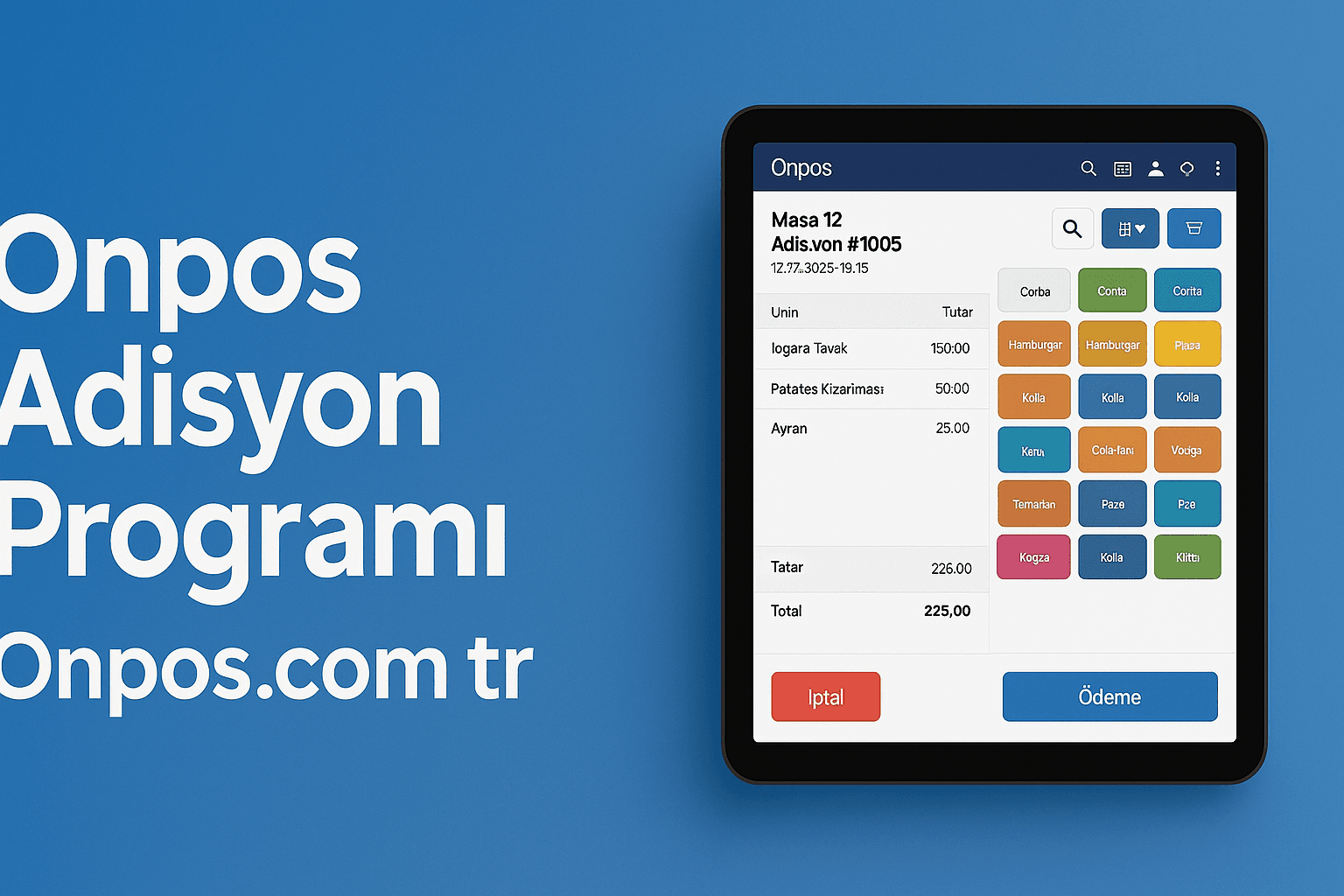
Today, running a restaurant requires managing multiple critical parameters at the same time, such as customer satisfaction, fast service and efficient stock management. Working with traditional register systems creates difficulties when new branches open or remote intervention is needed; calling in a technical team for major software updates and synchronizing data across different locations can take hours. This is exactly where Onpos cloud-based POS solutions step in. This powerful tool developed by Onpos Yazılım delivers the flexibility, accessibility and speed that both small and medium-sized enterprises (SMEs) and restaurant chains need on a single platform.
Onpos cloud-based POS was designed to increase restaurant owners' operational efficiency while also improving the customer experience. You can view live sales data whenever you want, track stock levels in real time and perfect inter-branch coordination with remote management. For more information, you can visit www.onpos.com.tr or forward your demo request to info@onpos.com.tr .
In this article, we touch on every detail of Onpos cloud-based POS's architectural infrastructure and core features, from the advantages it provides to tailored recommendations for SME restaurant owners. Our goal is to show you, valued restaurant operators, why Onpos cloud-based POS is a leading solution in the industry and to let you test this powerful software in your own business by requesting a demo.
Access from Anywhere and Continuous Updates
1. Uninterrupted Access over the Internet
Onpos cloud-based POS's greatest strength is that it can be accessed from anywhere as long as there is an internet connection. Whether from the office, from home, or even from your mobile device while traveling, you can instantly check sales reports, current account movements and stock notifications. The “server crash” or “data loss” risks encountered in old systems tied to physical servers disappear thanks to Onpos's high-security cloud servers.
2. Automatic and Seamless Updates
Updates should not disrupt your restaurant's workflow. Onpos cloud-based POS platform automatically installs new features and security patches through updates delivered simultaneously to all users. No more waiting for a technical team; while using the latest version of the software, you also stay clear of systemic-issue risks.
3. Scalability and Resource Management
You opened a restaurant, your second branch got approved… Do you immediately want to order new POS devices and expand the server infrastructure? Onpos cloud-based POS structure supports user count and transaction volume with high performance without requiring additional cost. As transaction volume grows, the infrastructure scales automatically; this way you experience a “multi-branch compatible” (secondary keyword: multi-branch compatible) system.
4. Security and Data Backup
All data is protected in ISO-certified data centers. SSL-based encryption, daily automatic backups and servers monitored 24/7 keep your critical business data safe. Both your customer information and your financial movements are meticulously protected against external threats.
Manage Your Restaurant Under a Single Roof
Stock Tracking and Supplier Integration
-
Real-Time Stock Levels: You can see exactly how much of each ingredient remains and, with automatic alerts, you are instantly informed when you fall below critical stock levels.
-
Supplier Order Management: By connecting directly with the suppliers you define inside Onpos, you can order the ingredients you need with a single tap.
Order Management and Kitchen Screen
-
Fast Order Taking: A user-friendly interface on the POS screen that works integrated with both waiters and self-service kiosks.
-
Kitchen Monitor Support: Placed orders instantly appear on the kitchen screen; ticket tracking, preparation time and sequencing are managed smoothly.
Multi-Branch Management
-
The Onpos cloud-based POS system, which brings multiple restaurants together on a single panel, offers branch-specific reports while also enabling centralized reporting. The “multi-branch compatible” infrastructure makes monitoring and management easy through one system, even across different locations.
Register and Payment Integrations
-
POS-system compatible (secondary keyword: POS-system compatible), it works integrated with many payment methods (credit cards, contactless payments, mobile wallets).
-
Direct connection with different bank POS terminals or virtual POS infrastructures provides an uninterrupted payment experience.
Reporting and Analytics Tools
-
Sales reports, per-product profit-loss analyses, staff performance tracking, customer preferences… All on graphical dashboards.
-
Thanks to customizable report templates, you can set strategy by comparing daily, weekly or monthly periods.
Staff and Customer Management
-
Employee check-in and check-out tracking, a timesheet module, bonus-deduction calculation.
-
CRM integration that strengthens customer loyalty with loyalty programs, gift vouchers and discount coupons.
Offline Mode and Data Synchronization
-
The ability to continue basic sales even when the internet goes down. When the connection is restored, all data is synchronized automatically.
Time, Cost and Error Control
1. Time Savings and Operational Speed
Onpos cloud-based POS's user-friendly interface shortens the training time for your waiters or cashiers. Instead of navigating complex menus, you can take an order and issue an invoice with a few taps. The automatic stock-update mechanism also eliminates manual counting and entry errors.
2. Reduced Errors and Lost Revenue
Warehouse errors, wrong information reaching the kitchen, or the risk of presenting the wrong bill to a customer are reduced. Because all sales are recorded digitally, there is no room for human errors such as missing receipts or incorrect pricing. As your lost revenue declines, profitability rises directly.
3. Remote and Centralized Management
You can monitor all restaurants from a single screen and match prices, menus and campaigns across different locations. For example, checking the daily turnover of your Izmir branch from a system in Istanbul takes only a few seconds.
4. Scalability and Cost Efficiency
No hassle with physical servers, license keys or maintenance contracts. With the “software as a service (SaaS)” model where you pay only for the resources used, you gain a cost-performance advantage as you grow. You do not need extra investment during periods that demand high transaction volume.
5. Up-to-Date Software and Security
Since there is no manual update burden, you work with uninterrupted security patches without paying any penalties. Each time an update goes live, the risk of data loss is minimized and protection against theft or cyberattacks increases.
To Get the Most Out of Onpos
-
Prioritize Employee Training
It is easy to use thanks to its simple interface; however, organize a short orientation training for advanced features such as custom campaigns, loyalty programs or the kitchen screen module. This way everyone gets maximum benefit from all the features. -
Use Integrations Actively
Immediately activate integrations with your e-commerce infrastructure, online ordering platforms or accounting packages. By preventing duplicate data entry, you save both time and errors. -
Review Analytics Reports Regularly
Review reports such as sales trends and best- and worst-selling products weekly. Identify which items on your menu increase profit margins and optimize your menu design. -
Use Campaign and Loyalty Modules
Increase customer loyalty by offering your customers special discounts, birthday campaigns or a points-collection system. Onpos's CRM module shows which customers respond better to which types of campaigns. -
Take Advantage of Remote Support and Updates
After every update, test the new features and inform your team. Thanks to the cloud-based architecture, when an update reaches you, you can contact the Onpos Yazılım technical team directly. -
Start with a Demo Request
Be sure to request a demo to test the system with your real data. www.onpos.com.tr lets you fill out a form or send a short email to info@onpos.com.tr to start your 7-day trial period.
Request a Demo
As competition in the restaurant business grows every day, be sure to examine the Onpos cloud-based POS solution that will simplify your business processes and lift your efficiency. With both its “POS-system compatible” and “multi-branch compatible” structure, it serves every business from growing restaurant chains to single-location SMEs. Thanks to its architecture, it brings you the most current technology in the “cloud-based restaurant software” space.
Take the step now and carry your business into the digital age:
-
For a demo request: info@onpos.com.tr
-
For product details and packages: www.onpos.com.tr
Onpos Yazılım at your side, remove the limits in restaurant management and provide uninterrupted service to your customers and your team!