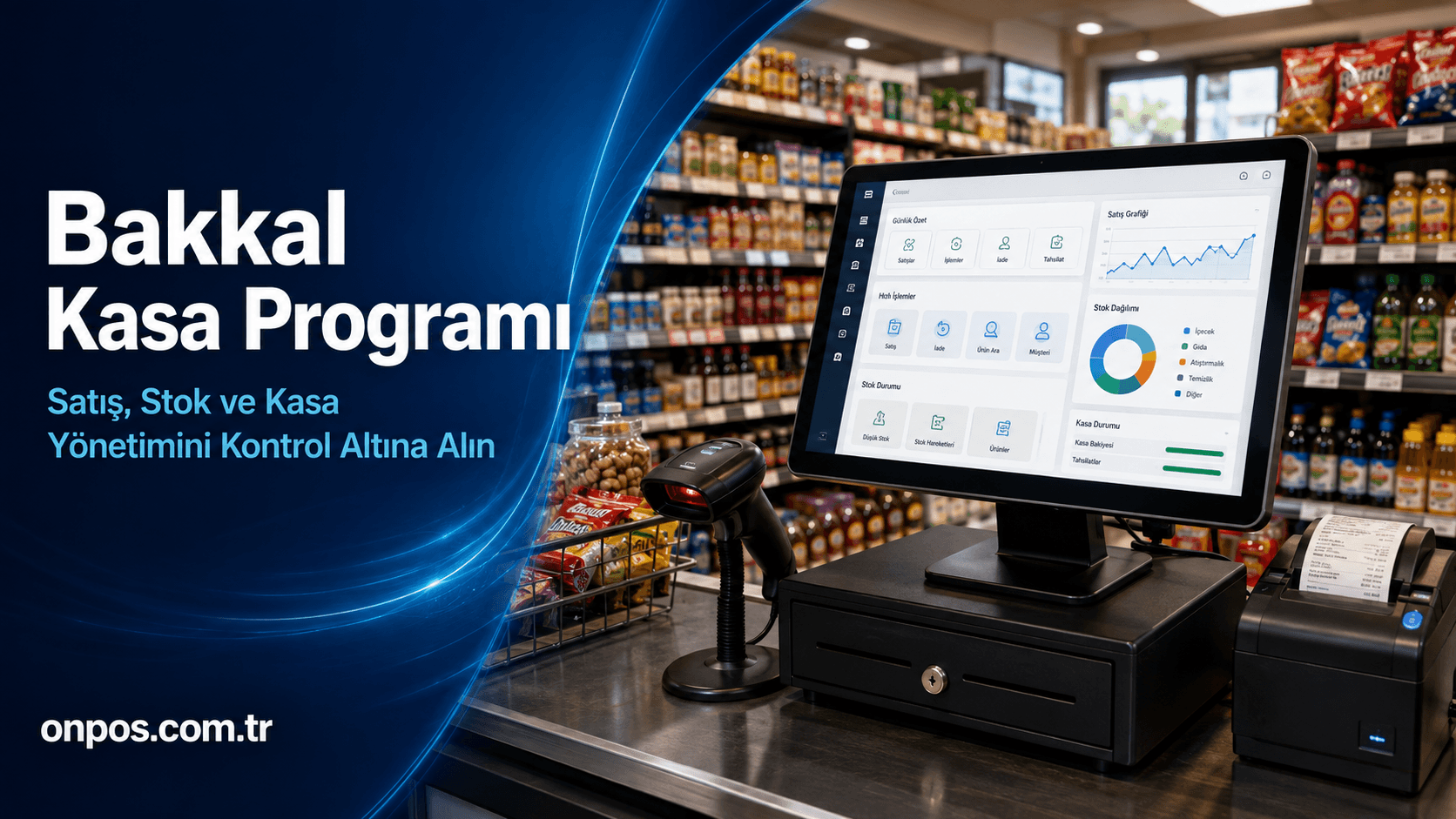
Success in running a grocery store, market or kiosk is not measured by selling a lot of products alone. Every item sold must be rung through the till at the correct price, deducted from stock on time, payment types must be tracked separately and the true state of the till must be visible at the end of the day. When these operations are handled with a ledger, a calculator or disconnected programs, small errors can turn into significant financial losses over time.
Professional grocery checkout software helps the business manage its sales, till, stock, product, staff and reporting processes more systematically. The business owner can find answers not only to the question “How much did we sell today?” but also to managerially valuable questions such as “Which product sold the most?”, “Which product's stock is running low?”, “Are cash and card collections consistent?” and “At which hours are sales busiest?”.
A setup in which the customer does not wait long at the checkout, staff do not have to hunt for prices and the owner does not spend hours checking end-of-day figures is no longer exclusive to big chains. A small neighborhood grocery, a busy kiosk or a local market aiming to grow can also operate in a more controlled way with the right business software.
What Is Grocery Checkout Software?
Grocery checkout software is a digital management solution used to define products, make barcode or quick sales, record sales, track stock movements, separate payment types and prepare business reports.
While a traditional cash register creates only the fiscal record of a sale, comprehensive business software also helps track the operation behind the sale. Which product was sold, how much remains in stock, when product movements took place and how the business performed during a given period can all be seen in a more organized way.
For example, when a beverage is sold at the till, it is not merely a collection. In a properly configured system, a sales record is created, the related product is deducted from stock, the payment type is recorded and the transaction appears in reports. This way, the same data does not need to be written over and over into different ledgers or files.
A grocery checkout system is essentially used in the following areas:
-
Barcode or quick product sales
-
Product and price definition
-
Tracking cash, card and other payment types
-
Monitoring stock inflows and outflows
-
End-of-day sales control
-
Staff-based transaction tracking
-
Preparing sales and product reports
-
Comparing sales by branch
-
Enabling the owner to monitor remotely
Besides grocery stores, small and medium-sized markets, kiosks, nut shops, delicatessens and retail businesses with heavy product movement can also benefit from these systems. As the number of products in a business grows, the risk of error in manual tracking rises. For that reason, the need for software is determined not only by the size of the business but by transaction volume and control requirements.
Why Should Businesses Use Grocery Checkout Software?
Hundreds of small transactions can take place in a grocery store over the course of a day. An error in a single sale may seem insignificant; but when wrong prices, missing stock records, incorrect change or unrecorded product movements are repeated constantly, they directly affect the business's profitability.
The purpose of using a digital till and stock tracking system is not to remove people from the process entirely. The real aim is to help staff work more systematically, record the transactions performed and give the business owner reliable data on which to make decisions.
Detecting till discrepancies more easily
When cash, card and other payment types are not separated from one another, it becomes harder to work out why the till does not balance at the end of the day. Recording sales by payment type makes it easier to compare the expected amount with the actual state of the till.
A till discrepancy is not always caused by bad intent. Giving the wrong change, recording a cash sale as a card sale, forgetting a cancellation or staff pressing the wrong key during a rush can all create differences. Regular transaction logging makes it easier to reach the source of the problem.
Reducing stock losses
Stock is one of the first places where profit quietly disappears in grocery stores and markets. When a product is sold but not deducted from stock, when goods moved from the warehouse to the shelf are not recorded, or when broken or spoiled products are not entered as waste, the real stock diverges from the quantity shown in the system.
When grocery stock tracking software is used, product movements become more visible. The business owner can more easily examine which product decreased when, which product sells faster and in which product group there is an unexpected difference.
Speeding up end-of-day reconciliation
Adding up receipts one by one at the end of the day, writing down POS terminal totals, counting the cash and transferring sales into a ledger both take time and increase the chance of error. Recording sales systematically in the system provides faster access to daily, weekly and monthly reports.
This way, instead of staying for a long time after the shop closes to do the accounts, the business owner can focus on checking data that is already prepared.
Preventing price errors
Especially in periods of rapid price changes, the price on the shelf, the price staff remember and the price at the till can all differ. Managing product prices within a central structure reduces uncertainty at the till.
Staff do not need to ask another employee for the price of each product. This shortens the customer's waiting time while helping the business look more professional.
Organizing staff transactions
In businesses where more than one employee uses the till, it is important to be able to track transactions on a per-user basis. An authorization structure ensures that each staff member can access the transactions appropriate to their role.
The aim is not to put unnecessary pressure on employees but to make responsibilities clear. Being able to see who performed sensitive transactions such as cancellations, returns, discounts or price changes strengthens business discipline.
Eliminating the reporting gap
Knowing the turnover alone is not enough. While turnover may look high, too much capital may be tied up in low-margin products. A fast-selling product's stock may keep running out while another slow-selling product sits on the shelf.
Sales tracking software should be used not only to show the business's past but to guide its next purchasing decisions. Thanks to accurate reports, the business owner can weigh real data alongside intuition.
What Does Grocery Checkout Software Provide Compared to Manual Tracking?
| Business process | Problem that may occur with the manual method | Benefit provided by a digital system |
|---|---|---|
| Sales transaction | Prices remembered incorrectly and slow processing | Faster, more orderly sales with defined products |
| Till control | Cash and card totals getting mixed up | Detailed tracking by payment type |
| Stock management | Missing or delayed stock records | Tracking sales and product movements in the system |
| Price management | Label and till prices diverging | Controlled updating of product information |
| Staff transactions | Not knowing who carried out a transaction | User-based recording and authorization |
| End of day | Receipts and notes calculated one by one | Access to ready-made sales and till reports |
| Branch management | Information collected from each branch by phone | Branch data reviewed centrally |
| Management decision | Product purchasing based on guesswork | Planning based on sales and stock data |
What Does Onpos Offer Businesses?
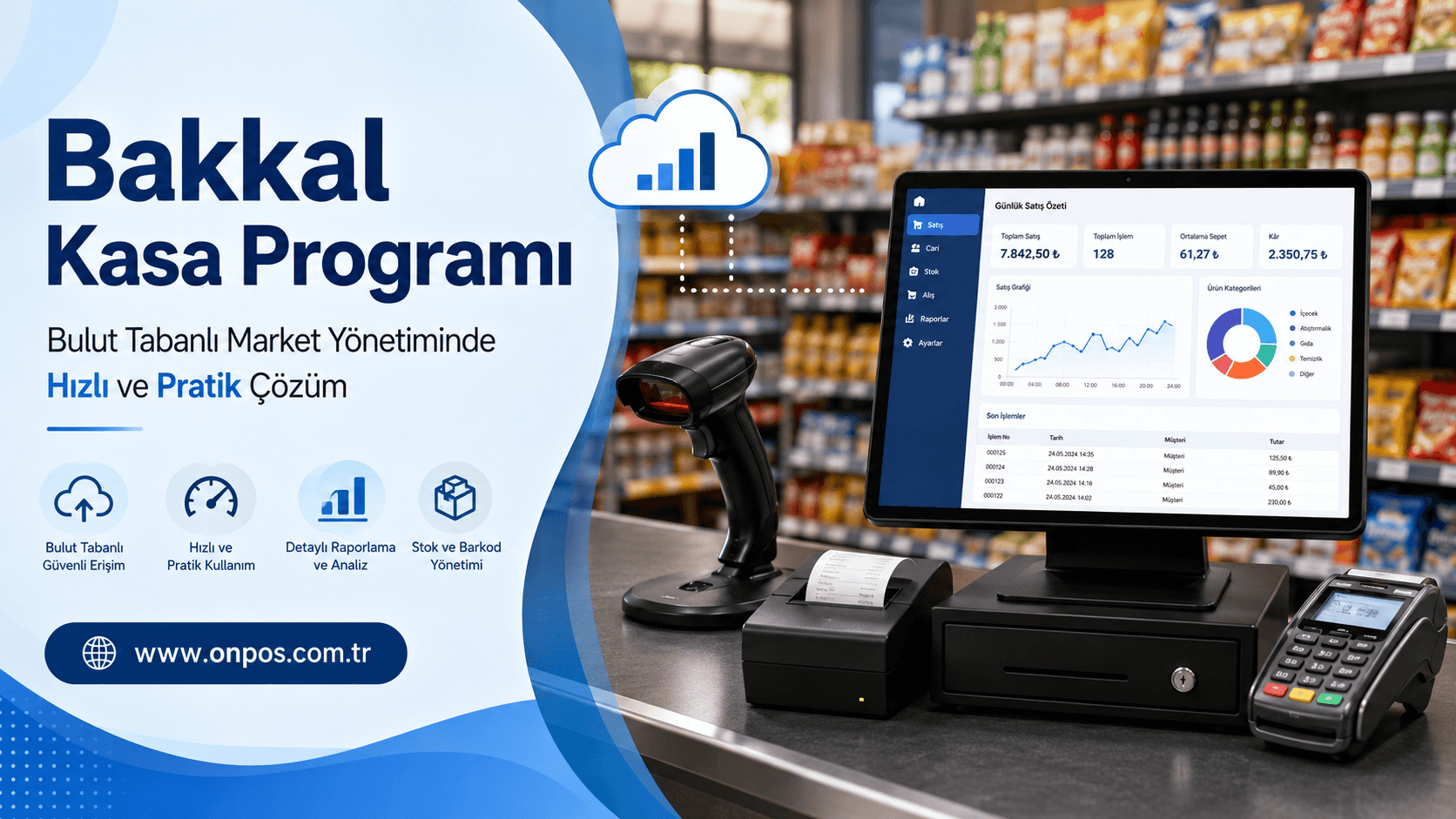
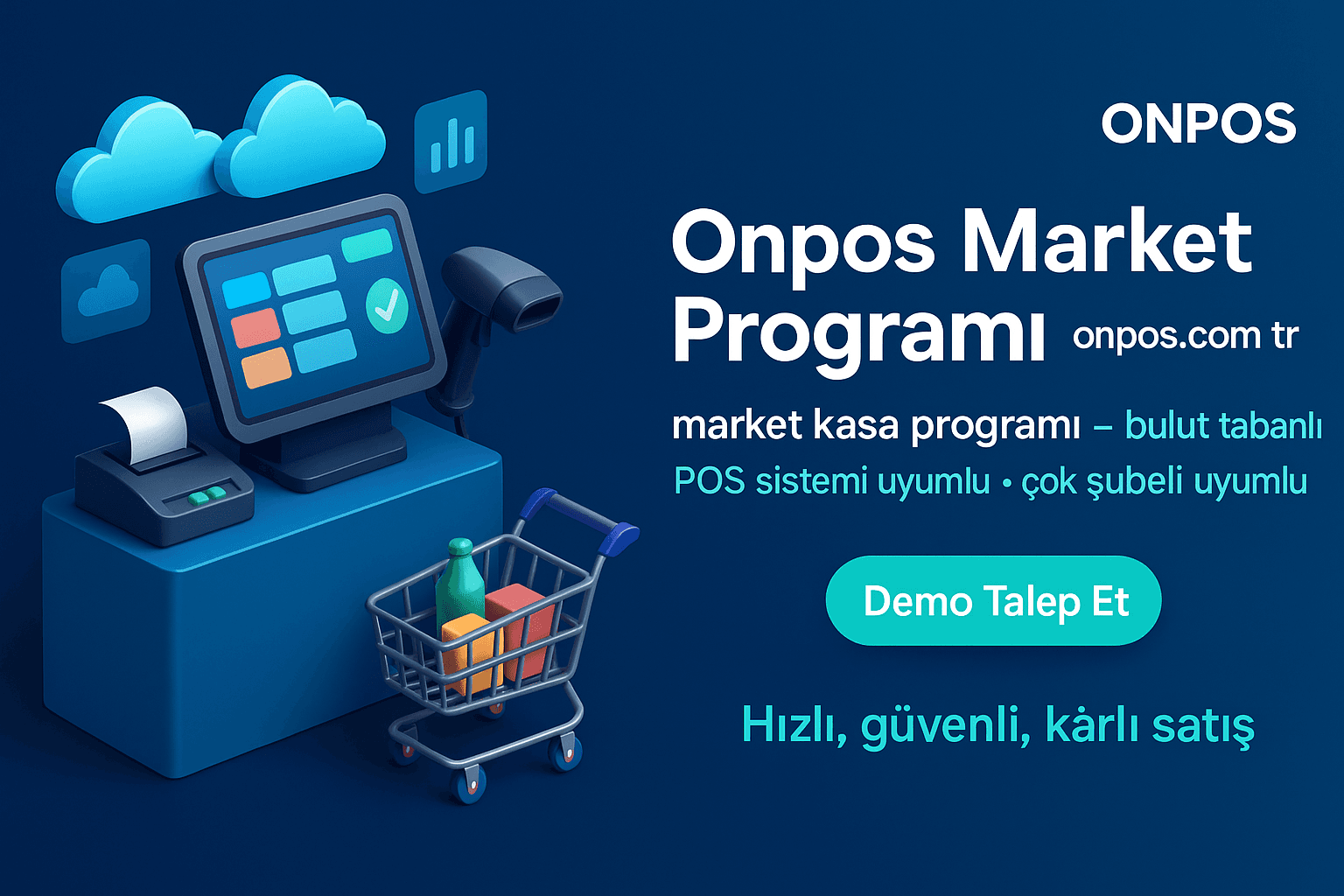
Onpos Market Program aims to help grocery stores, markets and similar retail businesses manage their sales, stock, ordering and reporting needs within a more organized structure.
Every business has a different product count, daily transaction volume, staff structure and growth goal. For this reason, when choosing software one should not look only at the feature list; how the solution will adapt to the business's real workflow must also be evaluated.
Cloud-based use
Cloud-based business software allows the owner to access data within the limits of their authority without being tied to the computer at the till. Being able to review sales, stock and reports from any suitable device with an internet connection is an important advantage, especially for managers who cannot get to the business every day.
This structure makes it easier to manage information centrally instead of keeping it as scattered files on different computers.
Remote access and management
The business owner being out of town should not mean operations are left uncontrolled. Thanks to remote access, daily sales, stock status and business reports can be reviewed without being on site.
Remote monitoring should be used not for the owner to intervene in every transaction but to make timely decisions when needed. An unexpected drop in sales, a critical stock level or a performance gap between branches can be noticed earlier.
Sales and till control
Recording till transactions systematically forms the basis of end-of-day control. Thanks to the tracking of product sales and payment types, the business's daily activity becomes easier to understand.
A fast-sale approach is especially important during hours when customer traffic rises, such as morning, lunchtime and evening. A delay of a few seconds at the till can harm the customer experience as the queue grows.
Stock tracking
Stock control is not only knowing how many products are on the shelf. The right product must be ordered in the right quantity, fast sellers must not run out and too much capital must not be tied up in slow sellers.
Through Onpos's structure for market businesses, product entries, sales and stock levels can be tracked more systematically. However, for the system's results to be accurate, product cards, purchases, sales and waste movements must be recorded in a disciplined way.
Order management
Evaluating the supply process together with sales and stock data makes purchasing decisions easier. Seeing how often each product sells allows the business to act on real need instead of ordering out of habit alone.
In this way, product availability on the shelf can be preserved while unnecessary stock accumulation is prevented.
Reporting convenience
Reports are not just numbers to be handed to the accountant. They are management tools that support the owner's daily decisions. Daily, weekly or monthly sales data can help evaluate the performance of products, periods and branches.
With well-prepared reports, answers can be found more quickly to questions such as:
-
Which products sell the most?
-
Which products have a low stock turnover rate?
-
Which hours of the day are busiest?
-
What is the split between cash and card sales?
-
Have sales risen or fallen in a given period?
-
Is there a marked performance difference between branches?
Structuring staff transactions
Authorizing users according to their duties makes the division of labor within the business clearer. Being able to set different access levels for till staff, managers or branch supervisors helps keep sensitive transactions under control.
If the business needs a more comprehensive solution for its staff processes, Onpos's Staff Tracking Program can also be considered.
Tracking delivery and courier processes
A significant share of grocery stores and markets now offer delivery to addresses via phone, messaging apps or various ordering channels. Writing orders on paper can lead to address, product, payment and delivery details getting mixed up.
Businesses with a delivery operation can review, according to their needs, the Onpos Courier Tracking Program solution. Not letting the courier process run separately from sales and without control helps establish a more orderly workflow from order preparation to delivery.
Central management for multi-branch businesses
When a business opens its second branch, the management burden does not merely double; differences in products, prices, staff and reporting between branches also begin to appear.
A multi-branch management structure makes it easier to review branch performance from a common center. Instead of requesting sales figures from each branch separately by phone or message, the owner can evaluate the data through a shared structure.
An approach compatible with POS and payment processes
In retail sales, cash, debit card, credit card and other supported payment methods must be separated correctly. The compatibility of the hardware and payment infrastructure to be used with the software must be confirmed before installation.
The business owner should tell the Onpos team about their existing devices and the payment methods they plan to use, and obtain verified information about the setup suited to their needs.
A structure that adapts to the business's growth
A grocery store running on a single till today may later expand its product range, start delivery or open a new branch. For this reason, software should be chosen not only for today's needs but for the business's goals over the next few years.
A scalable structure allows the existing setup to be developed during growth instead of replacing the whole system.
Which Businesses Is Grocery Checkout Software Suitable For?
The phrase “grocery checkout software” does not cover only traditional corner shops. Different retail businesses that need fast sales, stock control and end-of-day reporting can benefit from this solution.
Small grocery stores
Even a small grocery running on a single till can carry hundreds of products. Keeping product prices in memory, tracking tab sales or other payment movements and spotting stock gaps by eye is not sustainable.
A digital system helps a small business work in a more disciplined way without creating unnecessary bureaucracy.
Markets and mini-markets
As product variety and transaction volume grow, barcode sales, stock tracking, price management and detailed reporting become more important. Market software lets sales at the till be evaluated together with warehouse and shelf movements.
Kiosks
In kiosks, the customer decides fast and expects the transaction to be finished immediately. A quick-sale screen, defined products and orderly payment recording help the till run more smoothly during busy hours.
Delicatessen and dried-nut businesses
In businesses that carry packaged products alongside goods sold in different units, product definitions must be made correctly. The software's fit with the business's weighing, barcode and product structure should be checked specifically during the demo.
Patisseries and baked-goods sales points
In patisseries, product variety, daily production, rapid turnover and waste management matter. Regularly tracking sales and stock data allows demand to be assessed more realistically.
Businesses with table service, check or kitchen processes can also evaluate the Onpos Restaurant Program solution.
Restaurants, cafés and eateries
Although the quick-sale logic in grocery checkout software may meet the checkout needs of some restaurants, the table, check, kitchen, waiter and delivery processes are quite different. In such businesses a solution specific to restaurant operations should be chosen.
For businesses that want customers to browse products via a digital menu, the Onpos QR Menu page can also be reviewed.
Multi-branch businesses
For companies with more than one point of sale, centralized management of prices, stock, users and reporting gains importance. Tracking branch data within the same system makes comparison easier and helps managers decide faster.
Advantages of Cloud-Based Business Management
A cloud-based system lets business data be managed through a central structure without depending on a single computer at the till. This approach is valuable especially for businesses that need remote management, branching and reporting.
Control while away from the business
Even if the owner is on holiday, in a meeting or at another branch, they can access sales and stock information within their authority. This reduces the obligation to be constantly present at the shop without removing management responsibility; on the contrary, it makes it more efficient.
Centralized data structure
Excel files or ledgers kept on different computers drift apart over time. A centralized structure helps employees transact on the same up-to-date information.
Regular reporting
In cloud-based management, current transaction data can flow into reports more quickly. The owner can evaluate performance not only at month's end but in any period they need.
Multi-branch control
As the number of branches grows, managing separate systems becomes difficult. Central control makes it easier to monitor and compare branches within a shared structure.
Readiness for growth
When the business needs a new user, till or branch, it matters that the existing structure can handle growth. During software selection, capacity, user structure and the supported working model must definitely be asked about.
Ease of updates
In cloud-based solutions, software improvements and updates can be managed more centrally. The terms regarding updates, backups, connection requirements and service continuity should be learned clearly from the provider before purchase.
What Should You Look For When Choosing Business Software?
Choosing grocery checkout software is not just a software purchase decision. It is a long-term investment that directly affects the business's sales order, staff habits and management style.
1. Does it fit the business's real needs?
First, the number of products, tills, users and branches must be determined. If there are barcode, stock, current-account, invoicing, delivery or custom-report needs, they should be listed in writing.
2. Is it easy to use?
A program may be very comprehensive; but if the cashier cannot comfortably carry out the basic sales transaction, it will not deliver efficiency. During the demo, the most frequent transactions should be tried together with the employees.
3. Is the sales screen suited to busy hours?
It should be checked in how many steps transactions such as scanning a barcode, finding a product, taking payment, cancellations and returns are completed. A design that prevents wrong entries is as important as speed.
4. Does stock tracking match the business's product structure?
Product entries, counts, waste, returns, minimum stock and inter-branch movement needs should be evaluated. Compatibility with the unit and barcode structure the business uses should be verified separately.
5. Are the reports understandable?
Having a large number of reports is not an advantage on its own. The owner must be able to reach the sales, till, stock and branch reports they will actually use with ease.
6. Can user authorization be configured?
It is not right for the cashier, the manager and the branch supervisor to hold the same permissions. Authorities such as price changes, discounts, cancellations and report viewing should be adjustable on a role basis.
7. Does it meet the remote-access need?
If the owner wants to monitor sales or stock from outside, the access model, supported devices and user security should be asked about explicitly.
8. Is it suitable for multi-branch management?
Even if there is only one branch today, if a growth plan exists for the near future, adding new branches, centralized price management and branch reporting should be evaluated.
9. Is it compatible with existing hardware?
Compatibility of the barcode reader, printer, touchscreen POS computer, cash drawer and payment devices should not be assumed. Brands and models should be shared with the Onpos team and compatibility confirmed in writing.
10. How does the technical support process work?
Just as important as the software being good is having a reachable support team when problems arise. Support hours, installation, training, updates and possible intervention processes should be learned before purchase.
11. Is the data security and backup approach clear?
Information on user permissions, password security, backups, data retention and service continuity should be obtained from the provider. The business should also avoid sharing user accounts and should update permissions when staff change.
12. Is the long-term total cost clear?
Looking only at the initial setup fee can be misleading. The licensing model, user and branch costs, support, updates, hardware and any requested extra modules should be evaluated together.
Frequently Asked Questions About Grocery Checkout Software
What does grocery checkout software do?
It helps record sales, track payment types, monitor stock movements and prepare business reports. It makes the business's daily operation more orderly and measurable.
Which businesses is grocery checkout software suitable for?
It suits grocery stores, mini-markets, kiosks, delicatessens, nut shops, patisseries and businesses doing fast retail sales. The barcode, stock, branch and reporting structure should be evaluated according to the business's needs.
Does a small grocery store need checkout software?
Yes. A business being small does not mean it will avoid errors and stock losses. Regular tracking of product, price and payment movements helps protect profitability in small businesses too.
What is the advantage of using cloud-based business software?
It makes it easier to manage business data centrally and for authorized users to access it remotely over a suitable connection. It is especially useful for owners who cannot be at the business every day and for multi-branch companies.
Can stock and till tracking be done in the same system?
The core purpose of business software is to manage sales, till and stock movements in a connected way. However, whether the needed transactions and the hardware to be used are supported should be confirmed during the demo.
Can barcode sales be made?
The Onpos Market Program page states barcode reader support and a quick-sale approach. The compatibility of the barcode reader, scale, printer or other devices in the business should be asked of the Onpos team before installation.
Is it suitable for multi-branch businesses?
The Onpos Market Program offers an approach suited to multi-branch management and centralized reporting. The number of branches, user needs and the desired central operations should be evaluated in detail in the demo meeting.
Can the business owner monitor sales remotely?
A cloud-based structure helps authorized users access sales, stock and reports remotely. The device, connection and authorization conditions to be used should be clarified before installation.
Can grocery stores or markets that do delivery use it?
Businesses that do delivery can review the market solution for sales and stock processes, and the Onpos Courier Tracking Program for the delivery operation. How the two structures will be applied to the business's working order should be shown during the demo.
Can restaurants and cafés use the same software?
The table, check, kitchen, waiter and delivery needs of restaurants and cafés differ from those of retail businesses. For these businesses, the Onpos Restaurant Program should be evaluated separately as the more appropriate solution.
Should a demo be requested before buying the software?
Absolutely. During the demo, a real evaluation should be made across the business's daily sales transactions, product definition, stock tracking, end-of-day report, user authorization and the hardware needed.
How is an Onpos demo requested?
the Onpos contact page is used to submit an application with your company details. Preparing the product, till, user and branch counts before the meeting enables a more accurate solution evaluation.
Take the Right Step Toward More Controlled Business Management
In grocery and market retailing, ledgers, memory and rough end-of-day estimates are no longer enough. As product variety grows, payment methods multiply and customers expect more speed, the business must be run on reliable data.
The right grocery checkout software helps speed up sales, keep till movements in order, make stock losses visible and back the owner's decisions with solid data. A cloud-based structure and centralized management can bring important conveniences at different scales, from single-branch businesses to growing local chains.
When choosing software, you should take into account not only today's needs but also the business's future growth goals. The soundest decision is made not by merely reading feature lists but by testing the business's real processes on a demo.
To evaluate the grocery checkout software solution suited to your business and take a closer look at the structure Onpos offers, you can request a demo via onpos.com.tr or send a contact request at any time.